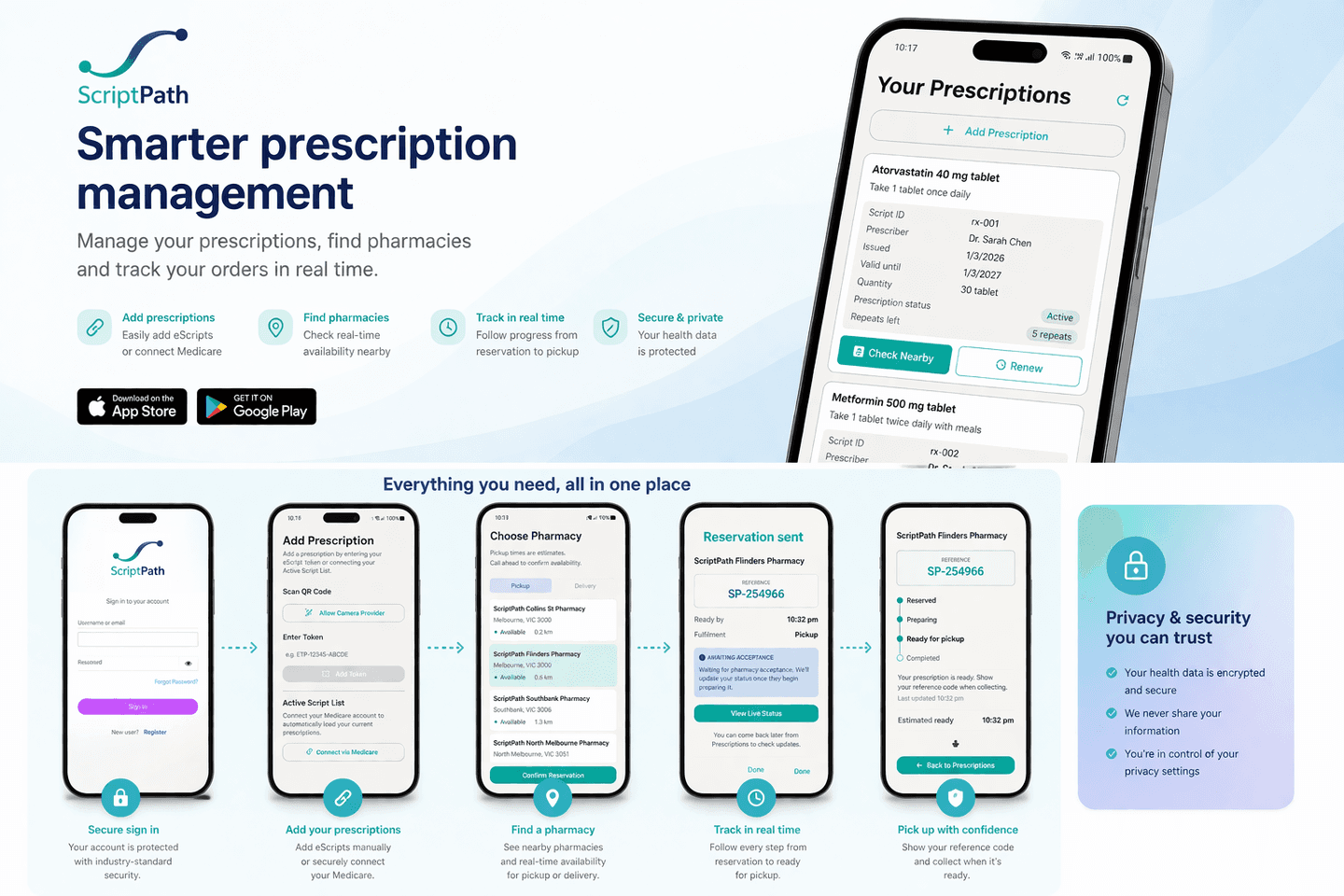
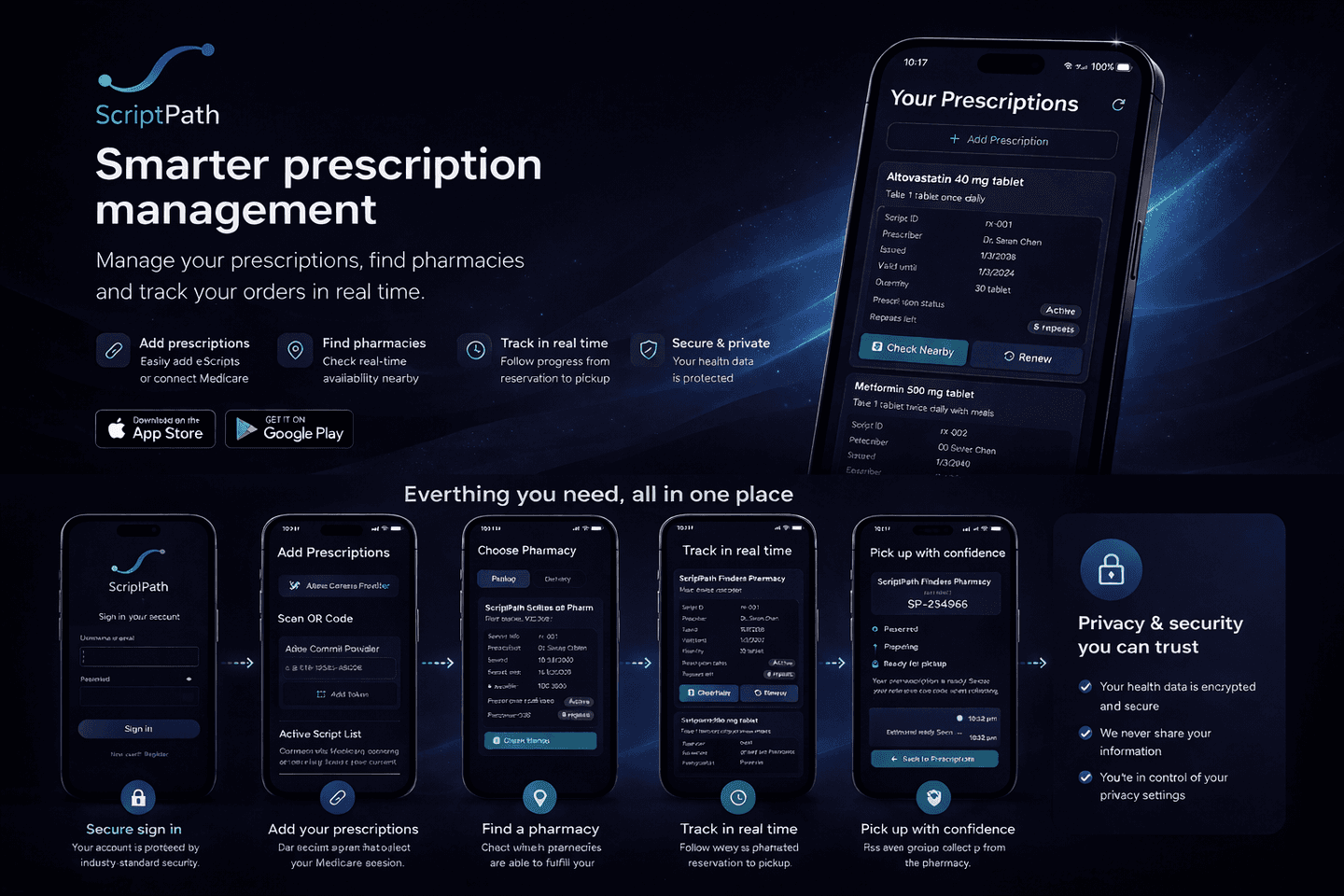
ScriptPath is the neutral orchestration layer between prescription access channels and existing pharmacy workflows.
It coordinates patient intent, matching, time-bound reservation, fulfilment status, and recovery without dispensing medicines or replacing pharmacy systems.
Designed for Australian prescription workflows, participating pharmacies, and approved digital-health pathways.
The coordination gap
A prescription can exist and a pharmacy can fulfil it, yet the journey between them remains fragmented.
Patients face repeated calls, uncertain availability, and disconnected status updates. Pharmacy teams receive requests outside the systems they already use.
Patient intent gets lost
Without a persistent coordination state, patients can lose continuity when a request cannot proceed.
Pharmacy signals are fragmented
Availability, acceptance, and readiness are often shared through disconnected channels.
Recovery starts again
When a request expires or is declined, patients often repeat the journey from the beginning.
Control stays where it belongs
Coordination without taking control away.
ScriptPath coordinates the journey, patients choose where to proceed, and pharmacies retain lawful fulfilment, dispensing, and clinical authority.
What ScriptPath coordinates
One orchestration layer across the fulfilment journey.
1
Add your script
Use your eScript token, with planned support for approved Australian digital health access pathways.
2
See what can be fulfilled
ScriptPath shows matched options using configured constraints and minimum-necessary availability signals, then you choose your pharmacy.
3
Track reservation status
Follow clear updates from reserved through to ready for pickup.
For patients
For patients
Keep scripts and reservations in one easy timeline
See options that are more likely to be appropriate and able to be fulfilled
Get friendly, clear updates as your script progresses
Spend less time chasing calls and more time focusing on health
For pharmacies
For pharmacies
Manage incoming reservations with less interruption
Receive requests matched to what can actually be supplied
Share readiness clearly without exposing full inventory
Keep dispensing safely inside existing pharmacy systems